Every call that begins with the word emergency means something specific to the caller: a server that holds this week’s invoices, a thesis due Friday, a photographer with a wedding on a card that will not read. This guide explains what emergency data recovery means in a real lab, what genuinely can be rushed, what cannot be rushed by anyone, and how to get the drive to us in the fastest way that does not lower the odds.
What emergency means in the lab
Two things are true at the same time. The first is that speed matters: a drive that has failed should be powered off and moved to the bench as soon as possible, and a business that is down needs answers in hours, not days. The second is that some steps of a recovery have a physical minimum time, and any lab that promises to beat physics is either guessing or planning to fail quietly.
So here is how we run it. Every drive gets a free evaluation within 48 hours of arrival. Drives flagged as emergencies go to the front of that queue and are usually diagnosed the same day. After the evaluation you get the cause, the chances of recovery, and two turnarounds: the standard one, which is 10 to 12 business days for most recoveries, and an expedited one where the work allows it, quoted with the added fee beside it. You choose.
What can genuinely be rushed
| Type of failure | Why it can be fast |
|---|---|
| Deleted or formatted files on a healthy drive | The drive reads normally, so imaging is quick and the recovery is software work that can start immediately. |
| A single failed drive with a common donor in stock | If we have a matching donor drive on the shelf, the head swap or board repair can begin the same day the quote is approved. |
| Corrupted file system, failed update, unbootable computer | Logical work on a readable drive. Often done in a day or two. |
| USB or connector damage on an external drive | The internal drive is usually fine. Once it is out of the enclosure, the data reads directly. |
| RAID or NAS with all disks present and nothing rebuilt | Each member is imaged in parallel and the array is reassembled virtually. Days rather than weeks, if nobody has run a rebuild. |
What cannot be rushed, by anyone
| Type of failure | Why it takes time |
|---|---|
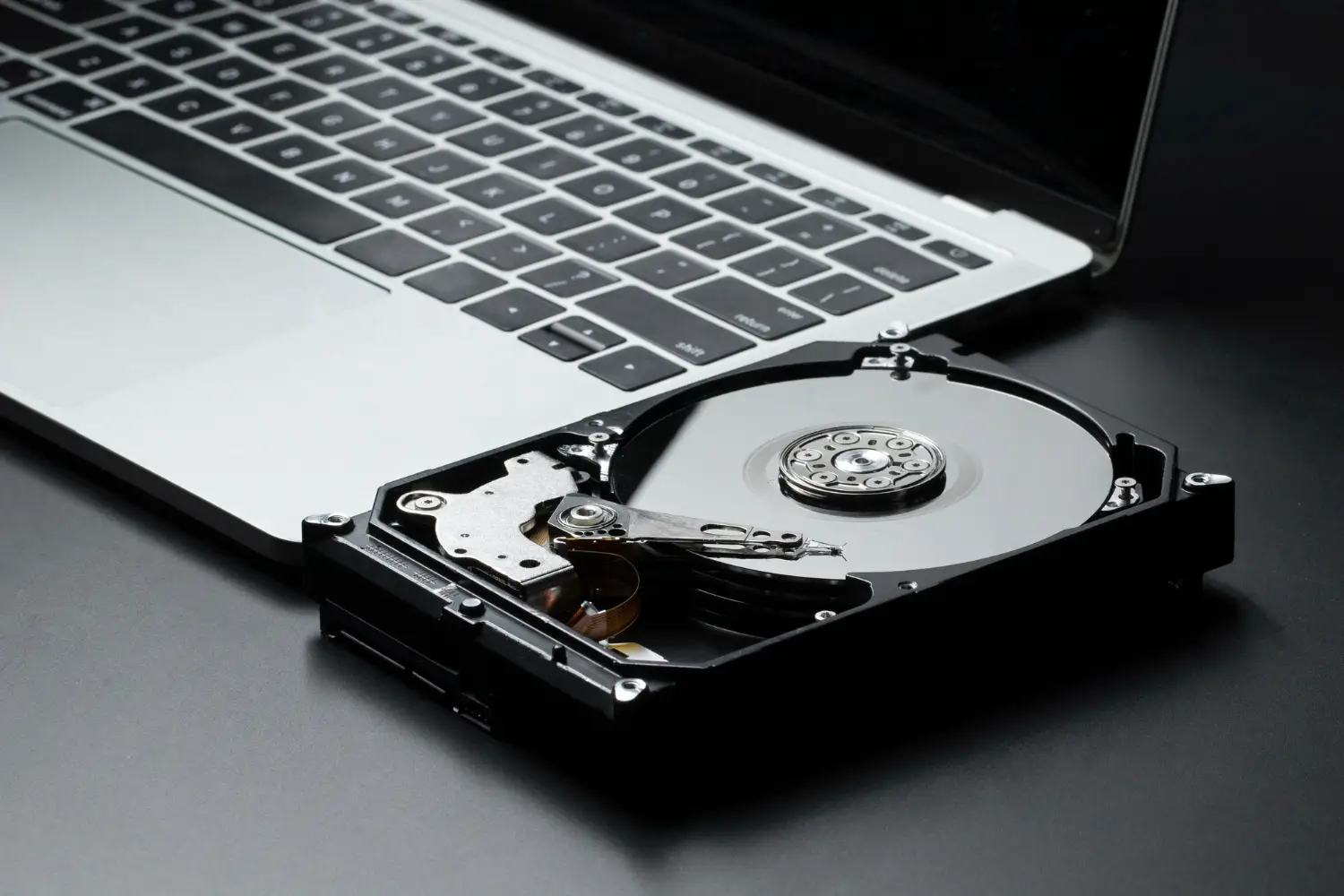
| Weak or failing read heads | Imaging a drive with degraded heads is done slowly and in passes, reading the good areas first and the bad areas last. Pushing it faster destroys the platters. |
| A head crash with platter damage | Recovery odds are already low. What remains has to be imaged around the damage, which is slow by design. |
| Rare, old, or very new drive models | A donor drive with matching parts has to be sourced. Sometimes that is on the shelf, sometimes it is a week of searching. |
| Water, flood, or fire damage | Corrosion has to be cleaned before the platters or chips can be read. Skipping the cleaning ruins the drive. |
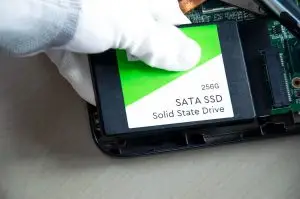
| SSD controller failure | Chip-level recovery means reading each memory chip and rebuilding the data through the controller’s logic. It is meticulous work that cannot be parallelized much. |
| RAID where someone already ran a rebuild | Parity has been rewritten. Finding what survived is forensic work, not a quick reassembly. |
If you want the full picture of what each symptom means for the odds, our hard drive failure symptoms guide lists them with the recovery rate for each.
The first hour: what to do before you call
- Power the device off. Not sleep, off. A failing drive that keeps spinning is losing data every minute.
- Write down what happened: the sound, the message, the drop, the power cut, and what you did after. This shortens the evaluation.
- Do not run recovery software, CHKDSK, or First Aid, and do not restart the machine to see if it comes back.
- For a RAID, NAS, or server: do not replace a drive, do not rebuild, do not reinitialize, and do not let anyone else do those things while you are on the phone with us.
- Find any encryption password or recovery key. Without it a perfect recovery is still unreadable.
- Call us at 604-800-9060. We will tell you what is realistic before you move.
Business emergencies: servers, arrays, and the whole office down
When a server or NAS is down, the fastest path is usually to bring us every drive rather than the whole rack, labelled with bay numbers, plus the controller or enclosure model and whatever your IT provider knows about the array. We image every member first, then rebuild the array virtually, so nothing is written to the original disks. If the business needs to keep operating, we can prioritize the specific data that keeps it running, such as the accounting database or the current project folders, and deliver that first while the rest of the recovery continues. Our RAID and NAS failure guide covers what to check and what never to do, and the ransomware first 24 hours guide applies when the outage is an attack rather than a failure.
Getting the drive to us fast
- Langley main lab: walk in Monday to Friday, 9 to 5. This is where the work is done, so it is the fastest option.
- Burnaby drop-off: walk in, no appointment. Drives are moved to the lab the same or next business day.
- Vancouver drop-off: downtown, by appointment. Book a Drop-Off first.
- Same-day courier from anywhere in the Lower Mainland: we can book one at your cost.
- From the rest of Canada: the free Canada Post waybill is ground service. If a day matters, ship by your own express courier instead and we will refund nothing but lose no time. Our shipping guide covers packing.
What you get within 48 hours
An email with the cause of the failure in plain language, the probability of recovery based on what we found, the standard turnaround and the expedited turnaround if one is possible, a fixed quote for each, and the option to see a file list before you approve. If the recovery fails after approval, you pay nothing. That is the same for emergency work as for everything else.
Frequently asked questions
Do you offer same-day data recovery?
Sometimes, for logical cases and simple failures where the drive can be imaged quickly and the data is small. We tell you honestly at evaluation whether same-day is realistic for your drive. Mechanical failures that need cleanroom work are never same-day, whatever any lab promises.
Is the evaluation faster if I pay for emergency service?
The free evaluation already happens within 48 hours of the drive arriving, and drives that arrive as emergencies are looked at first. Paying for expedited service shortens the recovery itself, not the diagnosis.
What does expedited service cost?
It depends on the failure and the amount of work that can actually be compressed, so we quote it case by case after the evaluation, with the standard price beside it. Our guide to what sets the price of data recovery explains the tiers.
Can you work over a weekend?
For business emergencies such as a server or a RAID array, yes, by arrangement. Tell us on the phone what is down and what it holds, and we will tell you what is possible before you drive over.
Should I keep trying to get it working while I wait?
No. On a failing drive every extra minute of power is damage, and on a RAID every rebuild attempt overwrites data. Power it off, leave it off, and bring or ship it as it is.
Can my IT provider help speed things up?
Yes, by giving us the facts: the RAID level and disk order, the controller model, what was changed, and what the data is. We work alongside IT providers on business cases every week and can coordinate directly with them.
Something is down right now?
Call 604-800-9060 and tell us what failed. We will tell you what can be rushed and what cannot before you move the drive. Free evaluation within 48 hours, no data no fee.
Call 604-800-9060Book a Drop-OffRAID and Server Recovery