SSD Data Recovery
in Vancouver, BC
We recover lost data from SSDs, USB flash drives and memory cards, safely handled in our British Columbia lab.
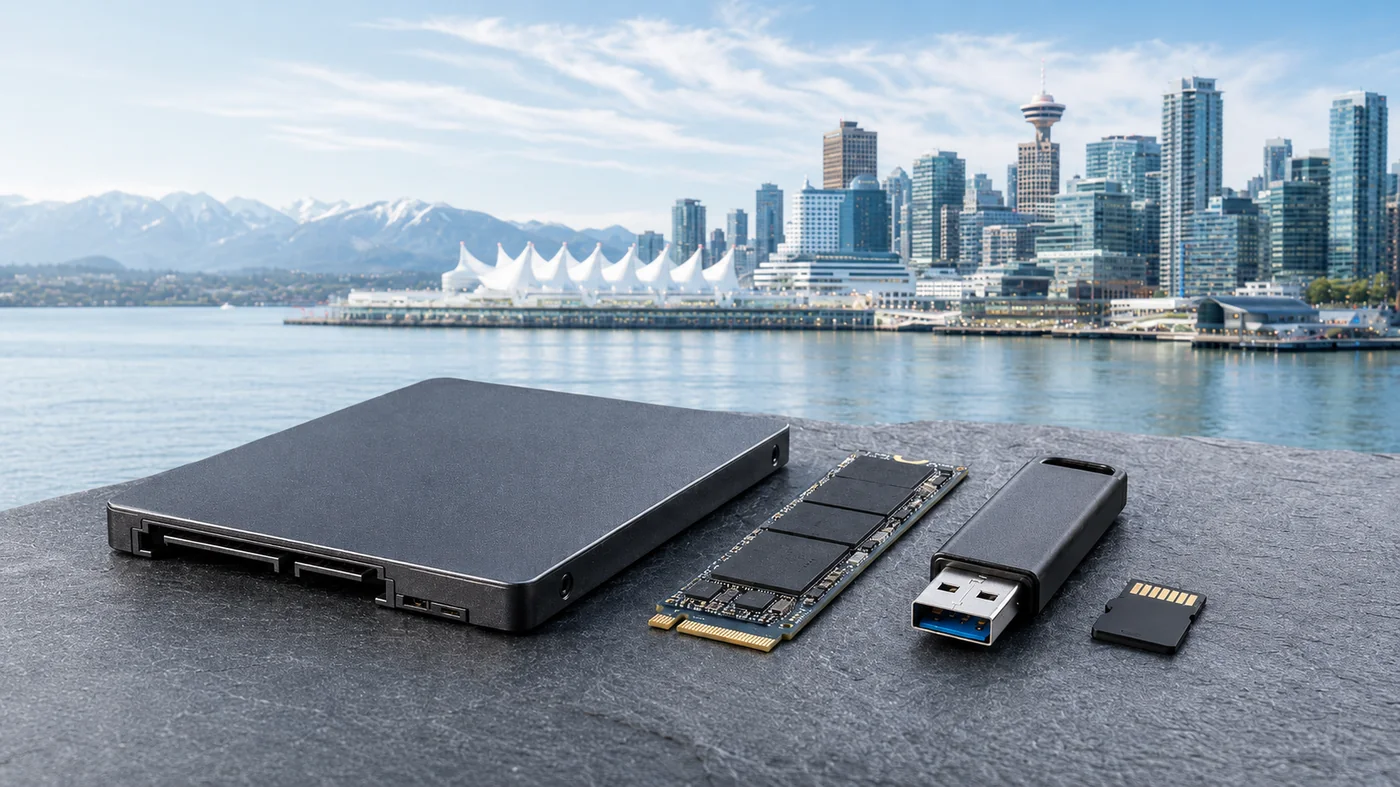
We Recover Data From All Flash & Solid-State Media
From SSDs and NVMe drives to USB sticks and memory cards, our BC lab handles every kind of flash storage failure.
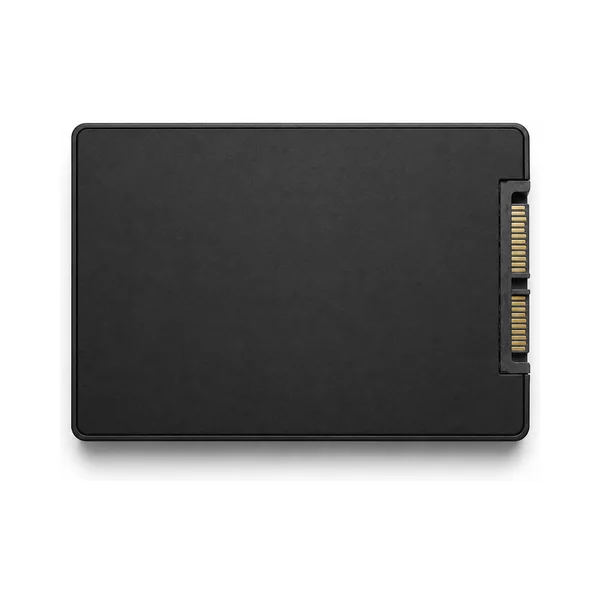
SSD Drives
SATA 2.5-inch solid-state drives, all brands.
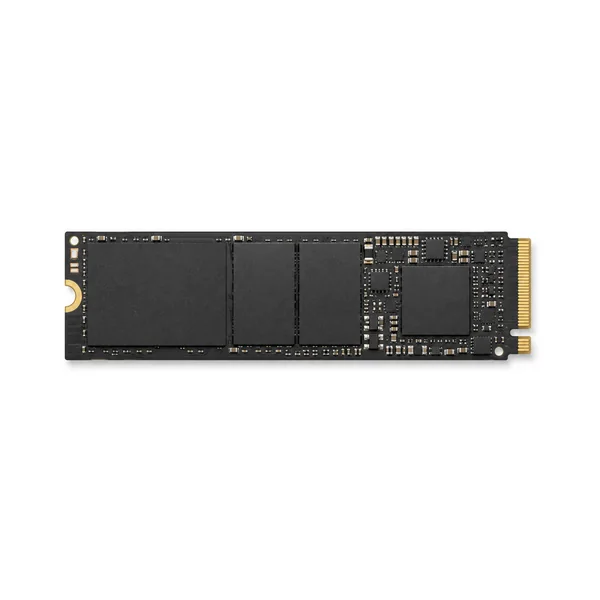
NVMe & M.2
High-speed NVMe and M.2 solid-state drives.
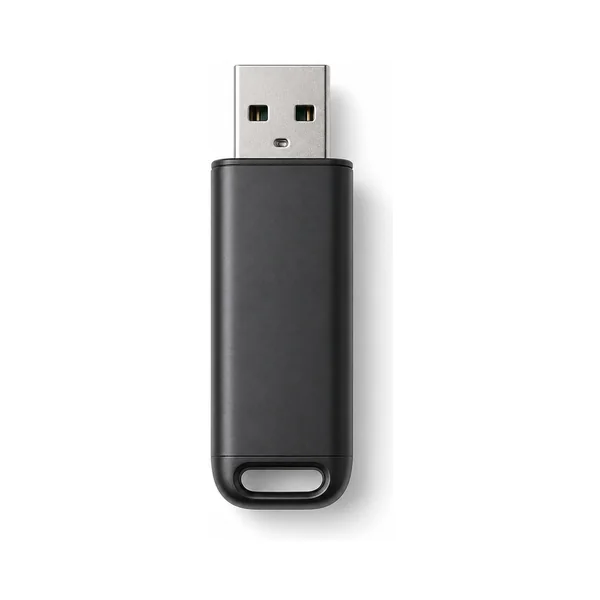
USB Flash Drives
Thumb drives and USB sticks of all capacities.
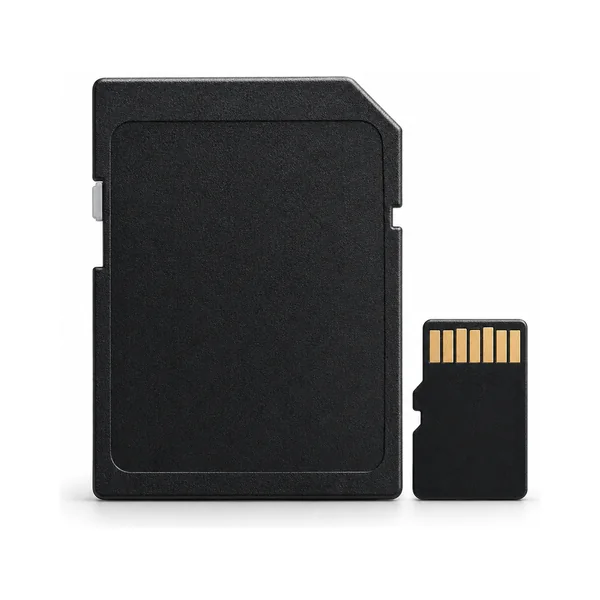
SD & microSD
Camera cards, phone storage and memory cards.
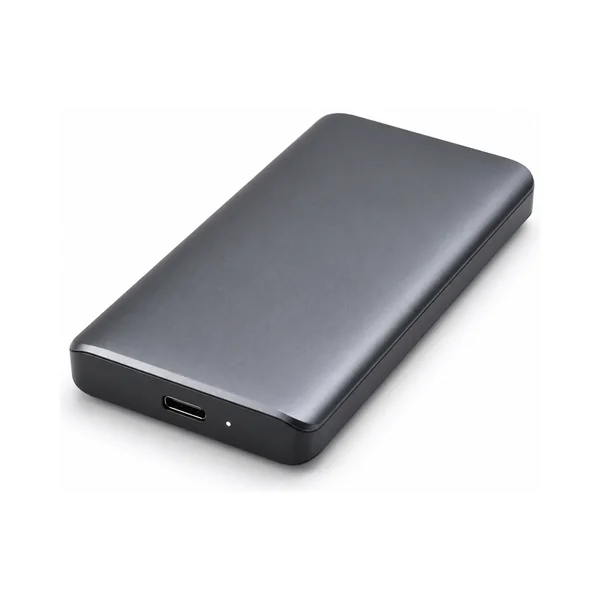
External SSDs
Portable external solid-state drives.
SSD & Flash Problems and What They Mean
Solid-state drives, USB sticks, and memory cards fail very differently from spinning hard drives, with no moving parts to wear out. Here is a plain-English guide to the most common flash failures we see in our BC lab, and what each one usually means for your data.
Controller Failure
How it behaves: The drive suddenly disappears, is not detected at all, or shows up with 0 bytes or the wrong capacity. Often happens without warning.
What it means: The controller chip that manages the flash memory has failed. This is one of the most common SSD and USB failures. The data usually still sits intact on the memory chips, but reaching it requires specialized tools to work around or bypass the dead controller. Even with modern tools, not every SSD model is supported, so some controller failures cannot be recovered. A diagnostic tells us for certain.
Worn-Out NAND (Bad Blocks)
How it behaves: The drive becomes read-only, slows dramatically, throws write errors, or files become corrupt over time.
What it means: Flash memory can only be written a finite number of times. As cells wear out, blocks go bad and the drive loses reliability. Recovery focuses on reading the still-healthy areas before the drive locks up completely.
Firmware / Translator Corruption
How it behaves: The drive is detected but inaccessible, hangs the computer, or reports a tiny fraction of its real capacity.
What it means: The internal firmware that maps where your data physically lives (the translator) has become corrupted. The flash chips may be perfectly healthy, but the drive can no longer assemble your data without specialized repair of these internal structures. Even with modern tools, not every SSD model is supported, so some firmware cases cannot be recovered. A diagnostic confirms whether yours can.
Power Surge or PCB Damage
How it behaves: Completely dead, not powering on, sometimes a faint burning smell or scorched component after a surge or faulty port.
What it means: A power spike or short has damaged the drive’s circuit board or power components. If the memory chips themselves survived, the data is often recoverable once the electronics are repaired or the chips are read directly.
Broken USB or Snapped Connector
How it behaves: A USB stick that won’t sit in the port, wobbles, or was physically snapped, bent, or stepped on.
What it means: The physical connector or solder joints have broken away from the board. As long as the memory chip itself is undamaged, we can usually repair the connection or read the chip directly to recover the data.
Chip-Off Recovery Cases
How it behaves: A monolithic USB stick or memory card that is unresponsive, water-damaged, or physically cracked, where the chip and controller are fused into one piece.
What it means: On many small flash devices the memory is fused into a single block, so standard methods will not work. If the device is intact, the raw memory can often be read directly and the data rebuilt from scratch. One hard limit applies: if a monolithic chip is physically cracked, the data is unrecoverable. A cracked memory chip cannot be repaired or read by anyone, so handle these devices carefully and never force a damaged one.
Corrupted File System or RAW Drive
How it behaves: The drive is detected but asks to be formatted, shows as “RAW,” or the files and folders appear scrambled or empty.
What it means: The structure the operating system uses to find your files has been damaged, often by unsafe removal, an interrupted transfer, or a failed update. The data is usually still present and recoverable, as long as the drive is not formatted or written to.
Deleted Files & the TRIM Catch
How it behaves: Files were deleted, the drive was emptied, or a quick format was done, and the data now appears gone.
What it means: This is where SSDs differ sharply from hard drives. Most SSDs use a feature called TRIM that erases deleted data almost immediately, which can make deleted-file recovery impossible. The good news: USB sticks and SD cards generally do not use TRIM, so deleted files on those are often still recoverable. Either way, time is critical: stop using the device and contact us right away so we can assess what is still recoverable.
Corrupted Memory Card
How it behaves: A camera or phone SD card reports errors, asks to be formatted, or shows photos and videos as damaged or missing.
What it means: The card’s file structure has been corrupted, frequently by removing it mid-write or a low battery during recording. Photos and videos can often be rebuilt directly from the card, as long as you stop using it and avoid reformatting. One important warning: if the card was formatted inside a camera, there is a high chance it was fully wiped, which can make recovery impossible. Avoid in-camera formatting if you still need the files.
Common SSD & Flash Problems We Solve
- Drive or device not recognized by computer
- Corrupted, RAW or unreadable file system
- Accidentally deleted or formatted files
- Controller failure or firmware corruption
- Water, physical or electrical damage
- Memory card errors in cameras or phones
Why SSD & Flash Recovery Needs a Specialist
Solid-state drives, USB sticks, and memory cards store data very differently from traditional hard drives. There are no platters to read, data lives on NAND flash chips managed by a controller, so when an SSD or flash drive fails, standard recovery software usually cannot reach it. Our British Columbia lab uses controller-level and chip-off techniques to recover data that everyday tools miss, whether your drive was dropped, corrupted, or simply stopped being recognized.
Talk to a Specialist →Why Choose TeraDrive?
Canadian Laboratory
Secure cleanroom environment in British Columbia for trusted, careful handling.
No Data, No Fee
You only pay if we successfully recover your data.
Certified Specialists
Certified specialists using advanced flash and SSD recovery tools, including chip-off and controller-level techniques.
Secure & Confidential
Your data is handled with the highest level of security and privacy.
Thousands of Success Stories
Trusted by individuals and businesses across Canada.
Our Simple 5-Step Recovery Process
From first contact to recovered files, here is how it works.
Contact Us
Talk with a recovery advisor and get a free quote.
Drop Off or Ship
Bring it to a BC location or ship it to our lab.
Free Evaluation
Our specialists perform a no-cost evaluation.
Approve Recovery
We recover your data only once you give the OK.
Get Your Data Back
Securely returned via download or on a drive.
Not Sure If We Can Recover Your Data?
Take our free quick self-assessment to find out.
- Takes less than 2 minutes
- Get an instant assessment
- No obligation
Need to Talk to an Expert?
Our recovery specialists are here to help.
Trusted by Thousands Across Canada
SSD & Flash Recovery Resources
Helpful guides on SSD, USB, and memory card data loss, recovery, and prevention.
How to Recover Data Efficiently from an SSD
Read article USB RecoveryEffective Data Recovery Methods for USB Devices
Read article Memory CardsEasy Ways to Fix a Corrupted Memory Card
Read article Expert AdviceWhen DIY Data Recovery Makes Things Worse
Read article SSD Deep-DiveThe Challenges of Deleted Data Recovery from SSD: TRIM
Read article PreventionHow to Protect and Store USB Flash Drives
Read articleSSD & Flash Recovery Across British Columbia
We provide professional SSD, USB and flash data recovery for clients throughout British Columbia, with convenient drop-off locations in Vancouver, Burnaby, and our main lab in Langley, just minutes from Surrey. You can also ship your drive to our lab from anywhere in Canada.