Water Damage
Data Recovery
Laptop, MacBook, phone, or drive got wet? We recover data from liquid-damaged devices with component-level microsoldering in our British Columbia lab.

We Recover Water-Damaged Data From Every Device
Fresh water, saltwater, coffee, or a washing machine cycle: our BC lab recovers data from liquid-damaged laptops, phones, and drives at the component level.

MacBooks & Laptops
Including MacBooks with storage soldered to the board.
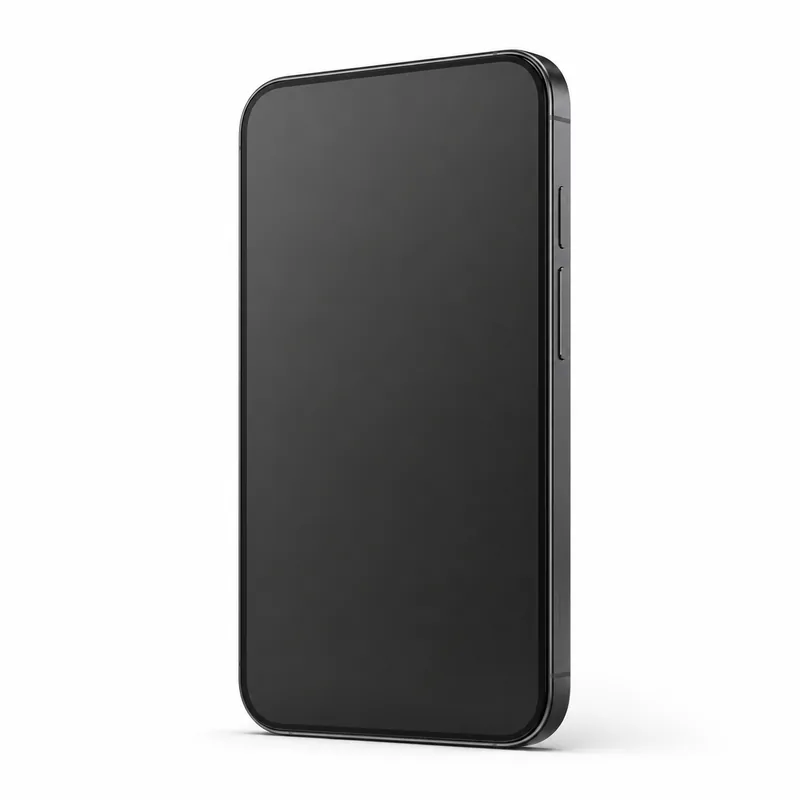
Phones & Tablets
iPhones, Androids, and tablets after any liquid contact.
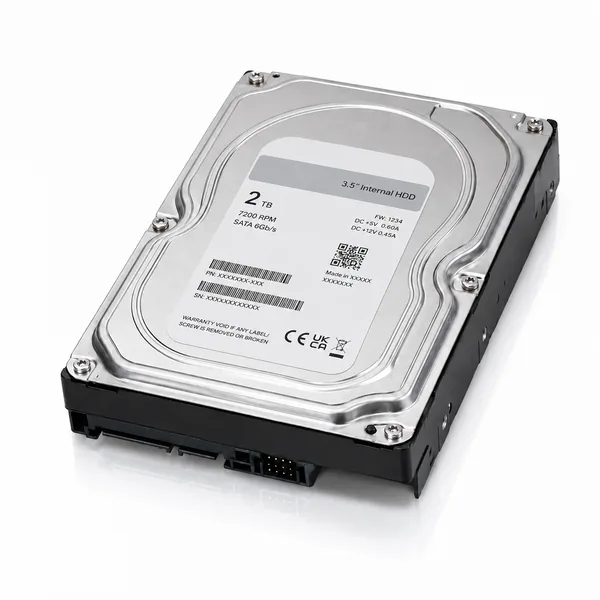
External & Internal Drives
Hard drives caught in floods, leaks, and spills.
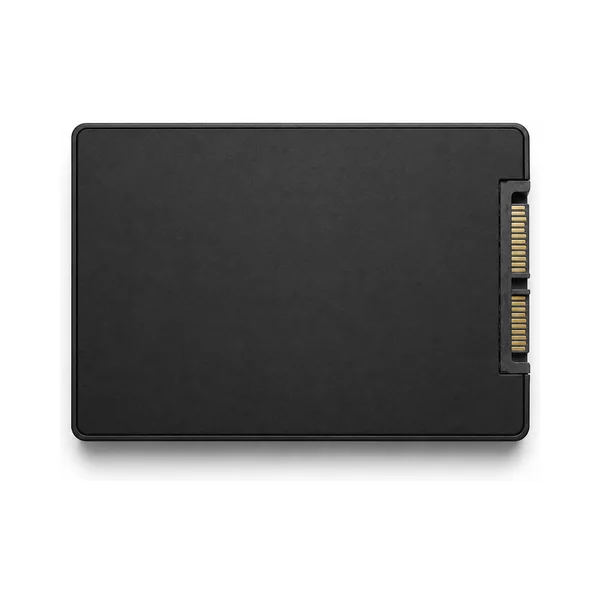
SSDs & Embedded Storage
Solid-state drives and board-mounted flash storage.
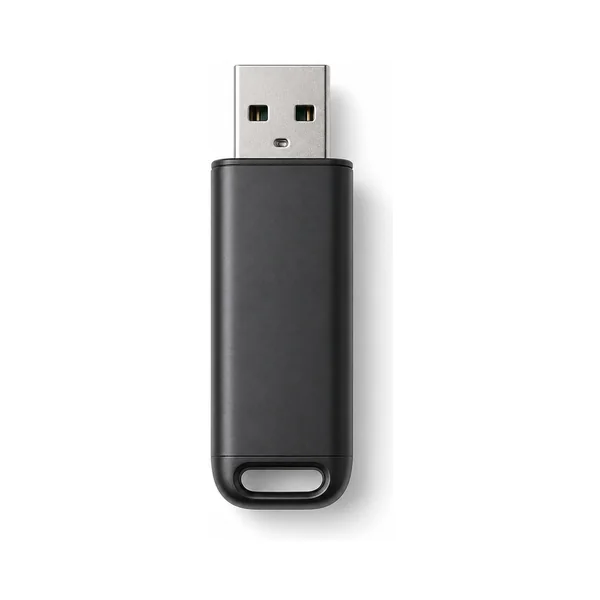
USB & Memory Cards
Flash drives and SD cards that went through the wash.
Water Damage Problems and What They Mean
Liquid damage behaves differently from any other failure: a device can die instantly, or work fine for a week and then fail as corrosion spreads. Here is a plain-English guide to what we see in our BC lab, and what each situation means for your data.
Immediate Short Circuit
How it behaves: The device dies the moment liquid reaches it, or shuts off and refuses to power back on.
What it means: Liquid has bridged live electrical paths and shorted components on the board. The storage itself often survives; what died is the circuitry around it. With component-level repair or by reading the storage directly, the data is frequently recoverable. The most important thing you can do is leave the device off.
Delayed Corrosion
How it behaves: The device survived the spill and seems fine, then days or weeks later starts glitching, restarting, or dies completely.
What it means: Liquid residue keeps corroding the board long after it feels dry. This is the most deceptive water failure: "it still works" is temporary. If your device got wet and still runs, back up your data immediately and have it inspected before corrosion finishes the job.
Saltwater, Coffee & Sugary Liquids
How it behaves: A drop in the ocean, a spilled latte, juice, or soup, often followed by rapid failure.
What it means: Not all liquids are equal. Saltwater is aggressively conductive and corrosive, and sugary or acidic liquids leave residue that keeps attacking the board. These cases fail faster and harder than fresh water, so the sooner the device reaches a lab for proper cleaning, the better the odds.
Swollen or Damaged Battery
How it behaves: After liquid contact the battery bulges, the case no longer closes flat, or the device gets unusually hot.
What it means: Water reaching the battery can cause swelling or leakage, which is a safety issue as well as a data problem. Do not charge the device and do not press on the swelling. We disconnect the battery safely and recover the data from the storage directly.
Water-Damaged MacBooks
How it behaves: A MacBook that met a coffee, a water bottle, or a rainstorm and will not boot, or boots with no display or keyboard.
What it means: Modern MacBooks have no removable drive; the storage is soldered directly to the logic board. Recovering the data means microsoldering: repairing the board at the component level, or transferring the storage chips so they can be read. This is our specialty, and we have recovered data from thousands of liquid-damaged MacBooks.
Water-Damaged Phones & Tablets
How it behaves: A phone dropped in a sink, pool, toilet, or lake. It may be dead, boot-looping, or showing a charging warning.
What it means: Like MacBooks, phones store everything on chips soldered to the board. Water resistance ratings help, but they are not waterproof guarantees, especially on older seals. Component-level repair usually brings the board back long enough to extract photos, messages, and files.
Drives & USB Sticks in Water
How it behaves: An external hard drive caught in a flood or leak, or a USB stick and SD card that went through the washing machine.
What it means: For hard drives, the danger is water reaching the platters or corroding the electronics; never power a wet drive to "test it." For flash devices, the board is cleaned and repaired, or the memory chip is read directly. Both are routinely recoverable when handled properly and promptly.
Common Water Damage Problems We Solve
- MacBook or laptop dead after a spill
- Phone dropped in water, pool, or worse
- External drive caught in a flood or leak
- USB stick or SD card through the wash
- Device working after a spill, then failing
- Saltwater, coffee, and sugary liquid damage
Why Water Damage Recovery Needs a Specialist
Liquid-damaged devices fail at the component level, and modern MacBooks and phones have their storage soldered straight to the board, so there is no drive to pull out. Our BC lab specializes in microsoldering: repairing boards component by component under the microscope, cleaning corrosion, and reading storage chips directly. That combination of electronics repair and data recovery is what makes water-damage cases recoverable, and it is exactly what generic repair shops and software tools cannot do.
Talk to a Specialist →Why Choose TeraDrive?
Canadian Laboratory
Secure cleanroom environment in British Columbia for trusted, careful handling.
No Data, No Fee
You only pay if we successfully recover your data.
Certified Specialists
Certified specialists in microsoldering and component-level board repair, including chip-off and direct chip-read techniques.
Secure & Confidential
Your data is handled with the highest level of security and privacy.
Thousands of Success Stories
Trusted by individuals and businesses across Canada.
Our Simple 5-Step Recovery Process
From first contact to recovered files, here is how it works.
Contact Us
Talk with a recovery advisor and get a free quote.
Drop Off or Ship
Bring it to a BC location or ship it to our lab.
Free Evaluation
Our specialists perform a no-cost evaluation.
Approve Recovery
We recover your data only once you give the OK.
Get Your Data Back
Securely returned via download or on a drive.
Not Near One of Our Locations?
Ship your water-damaged device to our lab from anywhere in Canada.
- Free prepaid Canada Post waybill
- Or book a paid courier pickup
- Free diagnostic on arrival, quote before any work
Need to Talk to an Expert?
Our recovery specialists are here to help.
Trusted by Thousands Across Canada
Water Damage Recovery Resources
Helpful guides on liquid damage, water-damaged laptops and phones, and what to do first.
Solving Data Access Issues After Liquid Damage
Read article LaptopsRecovering Data from a Water-Damaged Laptop: Step-by-Step
Read article Hard DrivesHow to Recover Data from a Water Damaged Hard Drive
Read article Apple DevicesThe Challenge of Recovering Data from Apple Devices
Read article PhonesSteps to Take When Your Mobile Device Suffers Data Loss
Read article Expert AdviceWhen DIY Data Recovery Makes Things Worse
Read articleWater Damage Data Recovery Across British Columbia
TeraDrive provides water damage data recovery for clients across BC and Canada, with drop-off locations in Vancouver and Burnaby and our main lab in Langley. Whether it is a water damaged MacBook with storage soldered to the board, a phone that went for a swim, or an external hard drive caught in a flood, our microsoldering and component-level repair capabilities recover data that software tools and repair shops cannot reach. Every case starts with a free diagnostic and a clear quote, and you only pay if we recover your data. Ship your device from anywhere in Canada with a prepaid Canada Post waybill, or book a paid courier pickup.