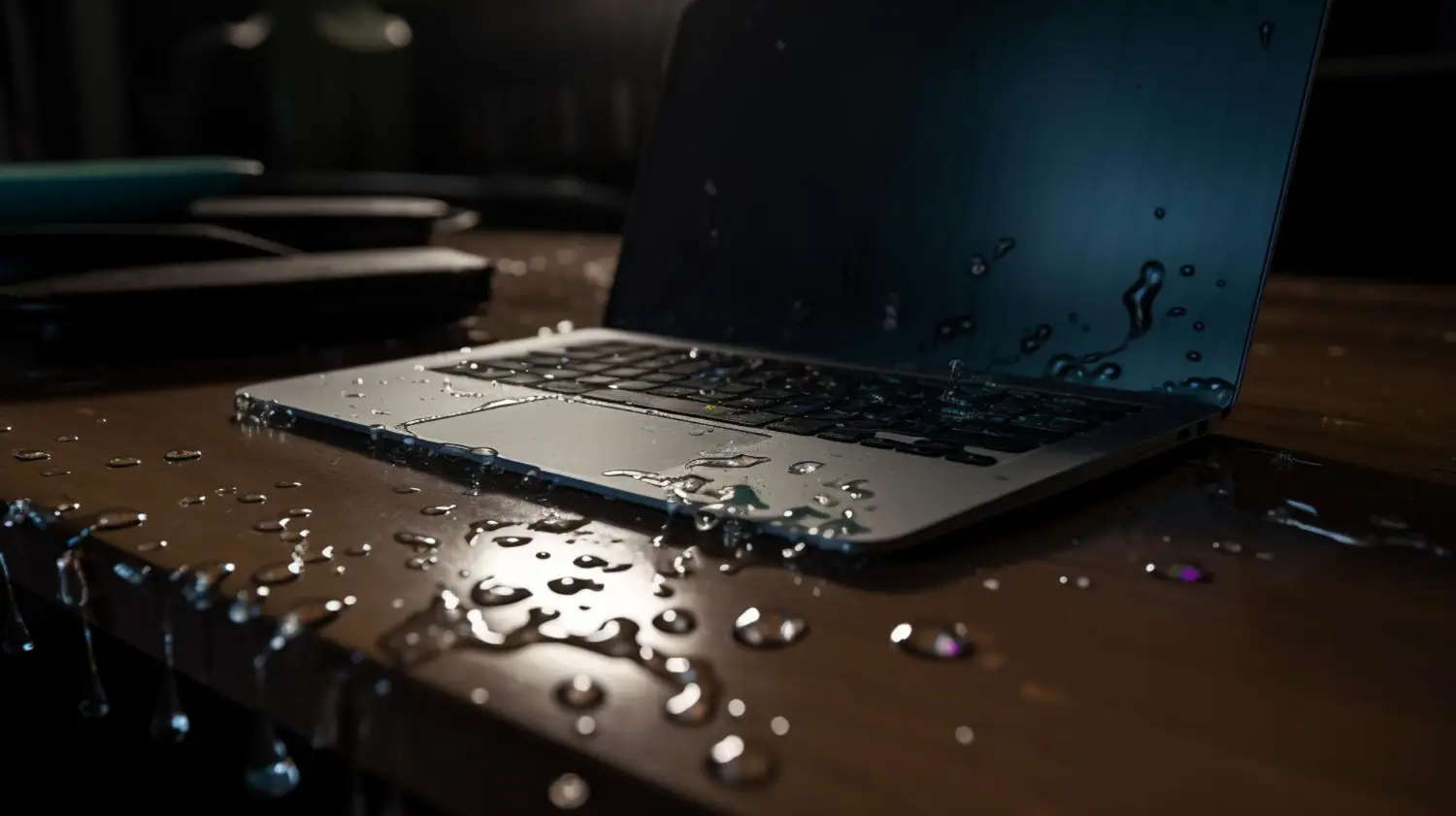
Spilling water or coffee on your laptop or phone can feel like a nightmare, especially when you’ve got important files saved on your device. One moment everything’s working fine, and the next, your screen goes black and nothing is responding. Whether it happens at home, during travel, or at work, liquid damage can do more than toast your hardware. It can block your access to valuable data and make it hard to tell if anything is even recoverable.
When data becomes hard to access after a spill, it’s easy to panic or try random fixes you’ve read online. But that path usually makes things worse. Acting fast, and more importantly, acting correctly, can make the difference between saving your files or losing them for good. Here’s what to pay attention to right after a spill and how to avoid common mistakes that can make recovery harder.
Immediate Steps To Take After Liquid Damage
If your device comes into contact with any sort of liquid, what you do next really matters. The faster you take the right steps, the better your chances of recovering files. Even water and non-sugary drinks can corrode parts inside, triggering short circuits and silently killing off drives.
Here’s what you should do right away:
1. Turn off the device and keep it off. Even if it looks like it’s fine, don’t wait. Powering down reduces the chance of electrical damage spreading inside the unit.
2. Unplug everything. That includes headphones, USB sticks, SD cards, and any cords. These can store stray electricity or suffer damage along with the main device.
3. Take the battery out if it’s removable. Many laptops and older devices allow for this. Pulling the battery reduces current flow and can stop components from being damaged further.
4. Gently blot away any visible moisture with a dry cloth—don’t rub. Avoid hot air or hair dryers, which can push moisture deeper or warp plastic.
5. Don’t try to charge it or check if it works. This is a common mistake. It might still turn on, but damage can get worse the longer it runs.
It might be tempting to use rice or household tricks passed around in forums, but those don’t solve deeper issues. Internal parts need expert handling, especially when it comes to drives and memory.
Say you spilled water on your work laptop. You dried it off, weren’t sure what to do, and then you’ve tried turning it on a few times in hopes it would work. Now it either won’t start or gives you random errors. That could mean something inside has failed or is about to. The less you do after the spill, the more likely a professional can clean and recover the device properly.
Assessing The Damage And What It Could Mean
Liquid damage doesn’t always look the same. Sometimes the outside looks fine, but there’s corrosion quietly building up inside. Other times, the signs are clear as day such as a screen that flickers, buttons that don’t work, or drives that stop showing up altogether.
Here’s what to check without starting the device:
– Are there any watermarks, streaks, or wet spots under screen edges or keyboard?
– Is the machine noticeably heavier than normal? This could be trapped fluid.
– Do you smell something odd, like burnt plastic? That may suggest a short-circuit has already happened.
– Are any external drives or USBs wet or sticky? Even storage plugged into the machine can get harmed in these situations.
Some of the main parts that usually suffer from water contact:
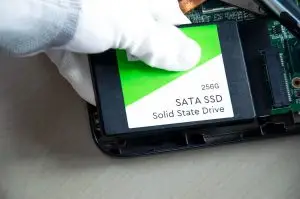
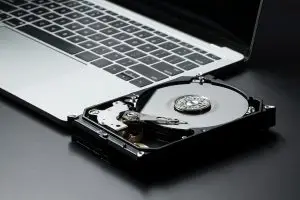
– Hard drives or SSDs: These hold your files. Water can damage the circuits or short the read/write mechanisms.
– Motherboards: This is the heart of the machine. Damage here can cause boot problems or total failure.
– Ports and connectors: Even a splash here can stop charging, syncing, or file reading.
One of the biggest mistakes people make is powering the device back up to see if it still works. That kind of guesswork is risky, especially if moisture is sitting around delicate pieces. What happens inside the device isn’t always something you can see, so waiting to get it checked is usually the smarter call.
Why You Should Avoid DIY Data Recovery Attempts
After a spill, one of the first instincts people have is to search for home fixes or software tools claiming quick recovery. But when liquid is involved, guessing your way through recovery almost always backfires. DIY methods can push a device past the point of saving, especially when dealing with fragile storage like SSDs or microcontrollers.
Here’s what can go wrong if you try to fix it yourself:
– Opening the device without proper tools or an anti-static setup could spread moisture to clean components.
– Moisture trapped inside can cause corrosion over time, and handling it wrong may worsen short circuits.
– Using third-party software on a corrupted or unreadable drive could overwrite data, making files unrecoverable.
– Even drying techniques like placing devices in rice do nothing to stop long-term corrosion or electrical damage.
A common example we come across is someone who spills water on their external drive and plugs it into another computer to test if it works. That second computer may not detect anything, or worse, it could cause the damaged drive to heat up and fail completely. Every failed attempt decreases the chance of good data recovery.
It’s normal to feel stuck when your pictures, important documents, or work files are suddenly unreachable. But guessing your way through recovery won’t bring those files back. Trained specialists understand what to check for without making things worse.
What Professionals Do Differently
When handled by experts, liquid-damaged devices get the proper care right from the start. The approach is thorough and controlled, which is key to stopping the damage from getting worse.
Here’s what that process often involves:
– Initial inspection under lab-safe conditions to locate moisture, corrosion, or burnt circuits.
– Careful disassembly using proper tools to avoid damaging connectors or the casing.
– Use of special equipment to dry and clean sensitive parts without causing more damage.
– Safe extraction of data from drives using specialized systems that don’t rely on the damaged device working.
Experts also make sure your backups, if any, are checked and preserved before trying to do full file recovery. Drives are imaged first, which means a copy is made so your original one doesn’t get worse during scans.
Another key thing is the environment. Most places that recover data from water-damaged devices use clean benches and anti-static gear to work in a steady, dust-free space. This helps reduce the chance of irritating particles or static that could make the damage worse.
So even if it looks like an easy fix, it rarely is. Fixing water damage isn’t like plugging in a USB and clicking scan. It’s a detailed process with tools and knowledge built up over years. If your files are important, your odds are much better when professionals handle the job from the start.
Ways To Prevent Liquid Data Loss in the Future
Accidents happen, but a few habits can reduce the risk of serious damage. You can’t always stop spills, but you can make your data safer.
Try these basic habits moving forward:
– Store drinks on a separate surface or shelf, not next to your keyboard or device.
– Use keyboard protectors or waterproof cases when working around liquids regularly.
– Set up regular automatic backups. You can back up to an external hard drive, but don’t rely on just one place. Mix cloud-based and physical backup options.
– Keep your data organized, with the most important files saved in multiple spots, so even if one gets damaged, you haven’t lost everything.
– Label your cords and devices if you share space with others, so someone else doesn’t accidentally spill something on your gear.
Winter and early spring are times when spills tend to happen more often. Wet gloves tossed on top of devices or water bottles in backpacks getting crushed can lead to damage. Be mindful of how and where you pack your electronics.
One person we knew stored their laptop in a padded sleeve inside their gym bag, right next to a leaky protein shaker. That laptop still powered on for a few hours after the spill, but later refused to start and had no backup. The files? Photos and tax records. The lesson? Always use waterproof layers around tech when carrying mixed gear, especially bottles or gels.
Getting Back On Track After Liquid Damage
Once you’ve gotten through the first panic and know not to touch the device further, it’s just a matter of moving forward the right way. Time plays a big role here. The longer water sits in a device, the more corrosion builds up, and the more parts can quietly break down.
Even if it’s been a few days since the spill, it’s still worth getting things checked. Devices that seem fine at first might have hidden damage that creeps in over time.
Turnaround for data recovery can vary depending on the damage and how long the device was exposed. SSDs and newer systems may respond quicker to recovery efforts since their chips are less affected by moving parts. Traditional hard drives might need delicate work if rust or dust have reached internal parts.
What matters most is resisting the urge to keep turning the device on. The goal isn’t just to get it working again, but to get your files back safely. A good recovery plan helps avoid panicked guesses and expensive mistakes. Getting help at the right time, from the right people, makes all the difference.
When your device faces a liquid spill, acting quickly can make a big difference in what can be saved. If your files are suddenly unreachable or your USB isn’t responding after water exposure, it’s time to consider letting professionals step in. Explore our professional data recovery services to safely recover what matters. TeraDrive handles your data with care while helping you avoid further damage.