Passwords used to be enough. You’d come up with one, maybe add some numbers or symbols, and feel like your account was safe. But today, that one layer isn’t cutting it anymore. With the rise in hacking tools, weak or reused passwords can be stolen quickly. That’s where two-factor authentication, or 2FA, comes in. It gives your account a second lock, which makes it harder for intruders to break in — even if they have your password.
Two-factor authentication is showing up more and more. You’ve likely seen it when logging into your bank account, email, work portal, or favourite app. It might feel like an extra chore at first, but this small step makes a big difference. With so much of your life and work stored online — from personal messages to client files — having 2FA in place helps keep what’s yours safe.
The Basics Of Two-Factor Authentication
Two-factor authentication works by asking for two different forms of proof before giving you access to your account. One is usually something you know, like a password. The other is something you have, like your phone or fingerprint.
Here are some ways that second step is usually done:
– A code sent by text message
– A one-time code from an authentication app
– A push notification sent to your phone
– A biometric step like fingerprint or facial scan
– A physical device or token you plug into your computer
Each method has its strengths. Texts are easy and familiar, but not the most secure if someone can access your messages. Authentication apps like Google Authenticator or Authy are safer since they don’t rely on a phone number. Biometrics are fast and give a personal touch.
What really helps is that two-factor authentication adds a second wall. A hacker might get your password through a leak or phishing scam, but they won’t usually have your phone on them or be able to copy your fingerprint. It’s often enough to stop them in their tracks.
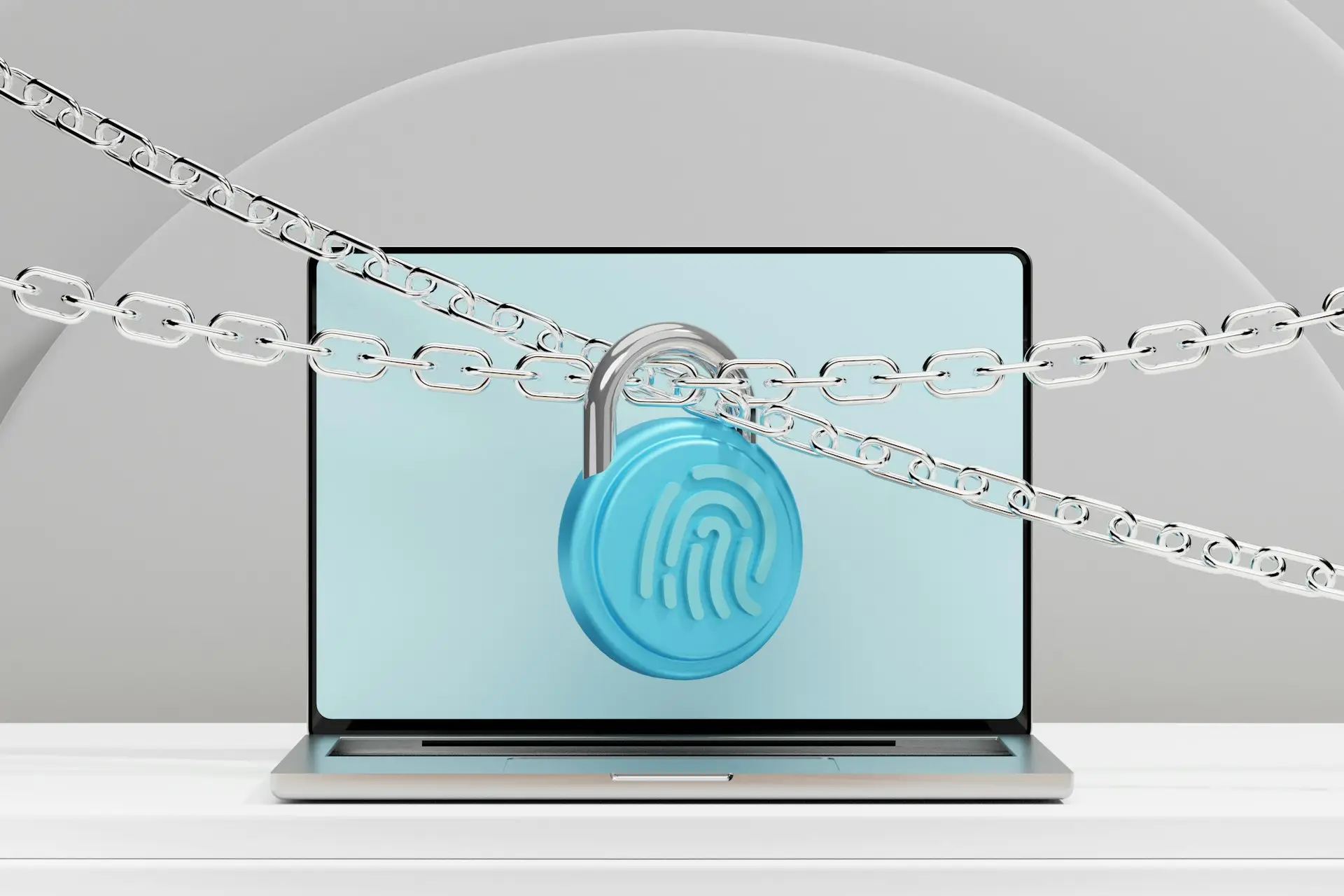
Adding 2FA is like having a deadbolt in addition to a regular lock. It doesn’t make you unreachable, but it makes getting through much harder.
How Two-Factor Authentication Enhances Security
Relying on passwords alone is risky. It’s like hiding your house key under the mat. It might work most days, but when someone knows where to look, it’s game over.
A big problem is password reuse. People often use the same one across many accounts. If a lesser-used site gets hacked, attackers can take that password and try it elsewhere — and it often works. Suddenly, they’re into your email, cloud files, or work systems, and it all started with just one weak spot.
This is where 2FA helps. If your password is stolen, the attacker still needs that second piece to get in. Without it, they’re likely to quit. Here’s how it can make a difference:
– A small business employee got tricked by a phishing email. She typed her real login into a fake site. Her password was taken. But 2FA stopped the attacker from accessing the system, because they didn’t have her phone.
– A teenage gamer reused his email password for a game platform. Hackers used leaked info to try and take over both. Thanks to 2FA, they couldn’t get into his email, which helped him reset and protect the game account too.
Stories like these are proof that 2FA works. It’s not foolproof, but it gives people time to fix things before real damage is done. It adds that pause where an attacker fails, and you gain a chance to act.
Implementing Two-Factor Authentication
You don’t need to be a tech expert to set this up. Most websites and apps already offer 2FA. In many cases, the option is sitting in your account settings, waiting to be turned on.
Here are the general steps:
– Sign in and go to your account or security settings
– Look for “Two-Factor Authentication” or “Login Verification”
– Choose your verification method (text message, authentication app, fingerprint, physical key)
– Follow the instructions and test the feature
– Note or safely store backup codes in case you lose your device
It’s smart to pick a method that fits your habits. For high-value accounts like email or cloud storage, an authentication app is more secure than SMS. If you switch between devices often, a physical security key or biometric option might work better.
Backup is just as important. Many systems let you save device options or generate one-time recovery codes. Jot them down and keep them in a safe place — not in your wallet or next to your computer. Forgetting this step could leave you locked out if your phone is lost or damaged.
Taking a few minutes to set this up can save you stress later. It’s like having a spare key that only you know about.
Overcoming Common Concerns and Misconceptions
Some people think 2FA isn’t worth it. They worry it’s too confusing or takes too long. That might’ve been true years ago, but now the process is quicker and blends into your daily use.
Let’s clear up some of the main concerns:
– “2FA is annoying and slows me down.”
It adds a step, but many services remember your usual devices. You won’t be asked every time unless you log in from a new place or after a long break.
– “If I lose my phone, I’m stuck.”
Not if you’ve got recovery codes or a second method set ahead of time. That’s why setting up backups first is important.
– “Hackers will get in anyway if they really want to.”
That’s not often the case. Most hackers are looking for easy wins. If they hit a 2FA wall, they usually move on to the next target.
Here’s a quick example. A teacher checked her email using public Wi-Fi at a station without knowing the network was fake. Her info was intercepted, but 2FA stopped access. After she got a warning about a login attempt, she changed her password before anything could happen.
That’s what 2FA gives — a second chance. While you might not even notice it day to day, it can be the thing that protects your inbox, your files, or your clients when something goes wrong.
Protect Your Data with a Simple Step
Two-factor authentication is one of the best things you can do to stay secure online. It’s not just for tech experts or big companies. It’s for anyone who values their personal and professional data.
Think about how many photos, messages, work files, and financial details you keep online. Imagine someone else getting into all of that because your password alone wasn’t enough. 2FA is an easy upgrade that gives you an edge in staying safe.
Even if you make a mistake — like clicking a bad link or using a password you’ve used before — that second layer can block the threat. You don’t always get a warning before a breach. Having protection in place beforehand is what makes the difference.
So take control while things are still in your hands. Turn on 2FA wherever you can. It’s simple, fast, and keeps you one step ahead. Digital threats won’t slow down, but that doesn’t mean you can’t be ready for them.
To help ensure your digital files remain safe and recoverable, it’s worth turning to a certified data recovery company you can rely on. At TeraDrive, we use proven methods to restore your data and strengthen your defences against future issues. Learn how a certified data recovery company can support your security goals.